Graphic Designing Level 1: Basic Module
About Course
About the Course
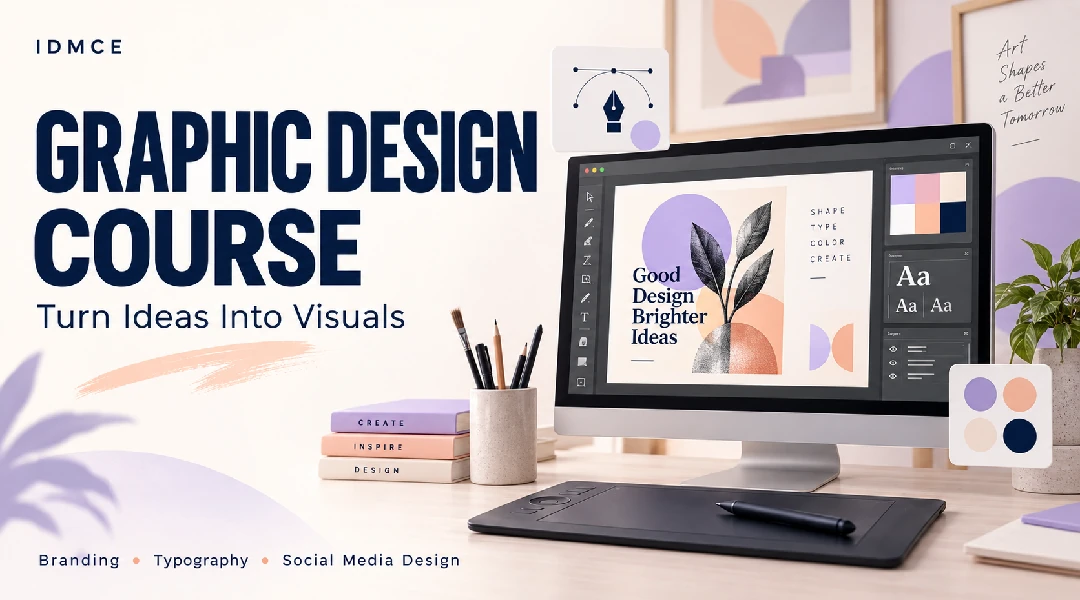
The Graphic Designing Level 1: Basic Module is a beginner-level training program designed to build a strong foundation in graphic design.
The course introduces students to essential design principles, including balance, contrast, alignment and hierarchy. Students will also learn color theory, typography, Adobe Photoshop, Canva and Adobe Illustrator.
The program covers the practical creation of social media posts, posters, vector graphics, logos and basic brand identity designs.
Course Coverage
Students will learn how to use graphic design tools and apply fundamental design principles to create visually clear and professional marketing creatives.
The course covers both basic and advanced Photoshop techniques, Canva design tools, vector designing with Adobe Illustrator and introductory brand identity development.
Course Content
Graphic Design Fundamentals
-
Module 1: Introduction to Graphic Design
-
Introduction to Graphic Design
Module 2: Design Principles
Module 3: Color Theory & Typography
Module 4: Adobe Photoshop Basics
Module 5: Canva Design Tools
Module 6: Social Media Post & Poster Design
Module 7: Advanced Photoshop Techniques
Module 8: Adobe Illustrator (Vector Design)
Module 9: Brand Identity & Logo Design
10. Tools Covered
Student Ratings & Reviews